
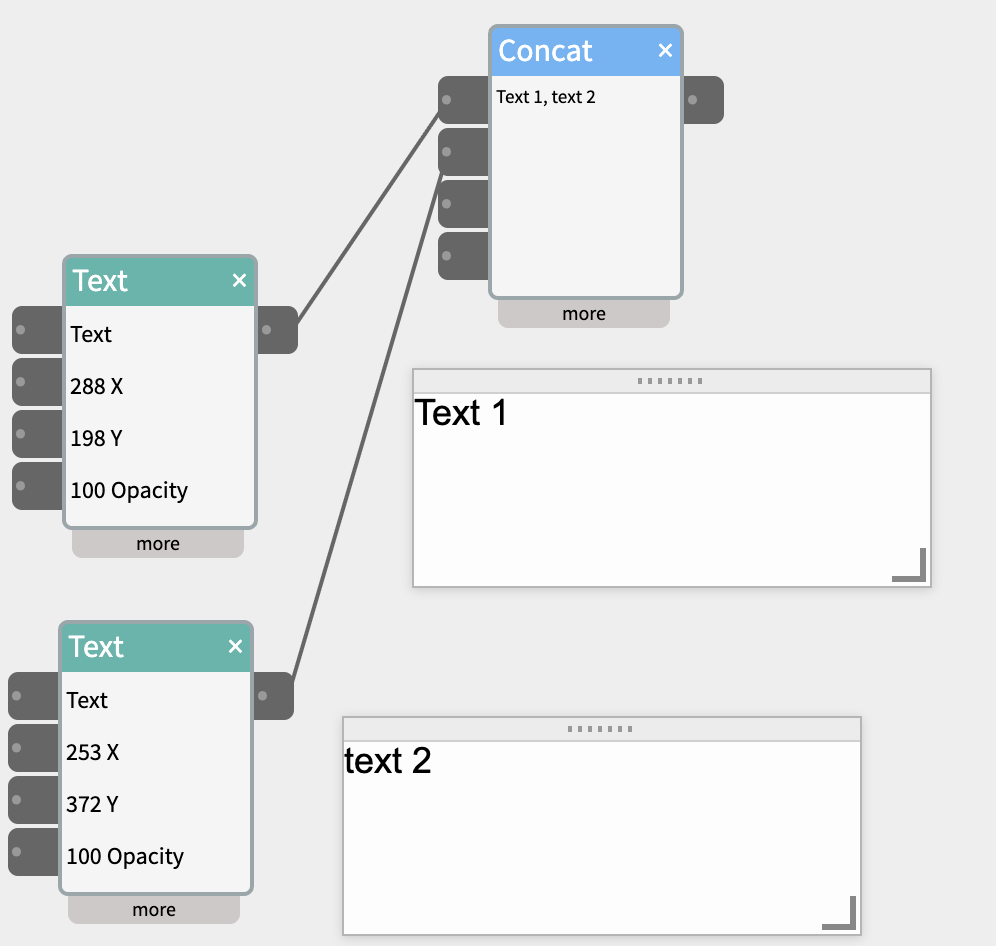
The Concat widget joins (concatenates) up to four inputs into one string and sends
it out its outlet. Use it to build a sentence, a CSV line, a label, or a
prompt from separate pieces.
Inlets
- a, b, c, d — wire a string or a number into any of them. Numbers
are turned into text as-is (512.5→512.5,0→0). - Inlets with no cable are skipped, and so are empty strings — so
wiring only a and c givesa, c, nota, , c,. - The output recomputes immediately when an input changes, when a
cable is connected (the current value flows in right away), and
when one is disconnected (that piece drops out).
Outlet
- out — the joined string.
Settings (“more” panel)
- separator — the text placed between each value. Default is a comma and a space (
,). It’s used literally, so spaces count:" | "," — "," and "all work. Clear the field for no separator at all (the values run straight together). Edits take effect as you type.
Example patches
- SpeechIn + Keyboard → Concat → SpeechOut — speak two phrases as one line.
- AnalogIn ×3 → Concat (separator
,) → CloudOut / Webhook — log three sensor readings as a CSV row. - Text (“Tell me about”) + ObjectRecog.label → Concat (separator
" a ") → LLM → SpeechOut — turn a recognized object into a spoken fact. - GroveIn + Text (“°C”) → Concat (separator empty) → Text — a value with its units.